AI Support Email Drafts with Human Approval in Google Sheets
Curated n8n support workflow that drafts replies to Gmail inquiries and waits for approval in Google Sheets before sending.
Works with Gmail, Google Sheets
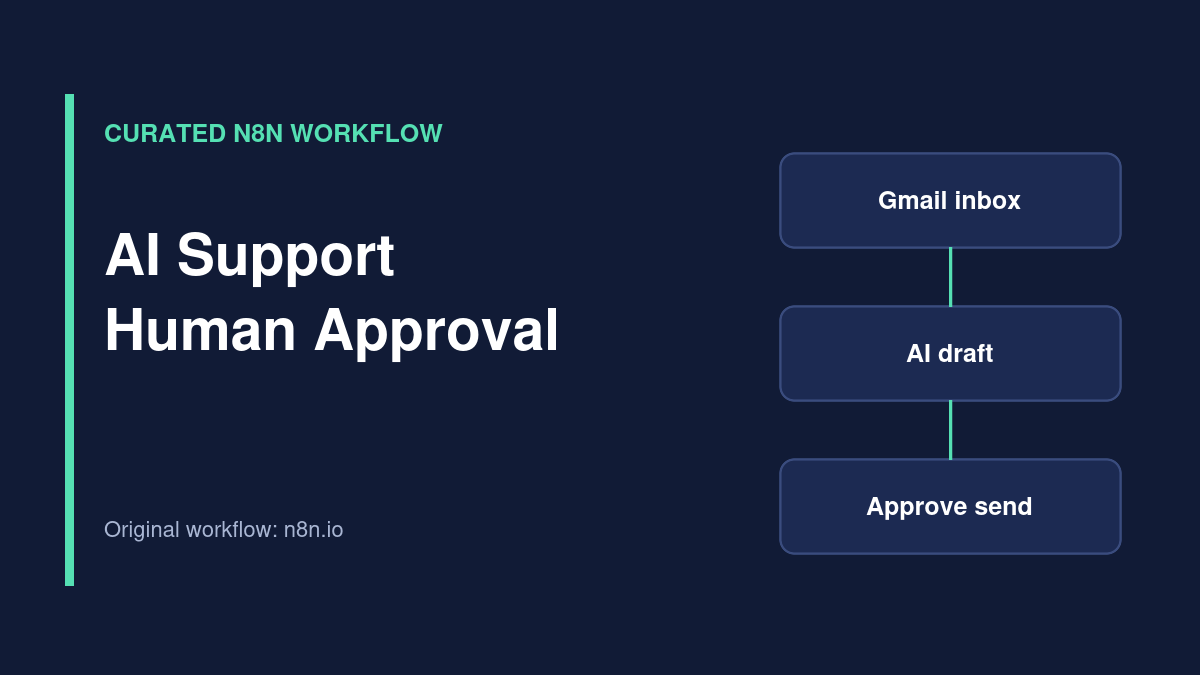
Workflow overview
Curated external workflow. This template is listed on the official n8n workflow directory and credited to its original creator. TemplateFlows has reviewed the source listing, but has not independently imported, executed or security-tested the JSON. Use the original source link for access; no JSON is redistributed here.
What the template does
This external n8n workflow filters incoming Gmail messages, drafts replies using an AI service, writes the draft and message details to Google Sheets, and waits for a human to approve sending by changing a sheet value. The original source describes OpenRouter for the model step and a sent-state update to avoid duplicate replies.
Source review only: TemplateFlows has not tested the approval mechanism or sent any email with this workflow. Review the original template on n8n.io.
Requirements
Prerequisites
- n8n instance with Gmail and Google Sheets access.
- OpenRouter or the model provider required by the source workflow.
- Approved support policy and documentation.
- A restricted-access approval spreadsheet and designated human reviewer.
Required tools and services
- n8n
- Google Sheets
- Gmail
Setup steps
-
Review source workflow and prompt
Replace any example business documentation with your own approved support policies.
-
Connect accounts
Authorize Gmail, Google Sheets and the AI provider; confirm what message content leaves your environment.
-
Configure approval
Make sure the send condition is an explicit human-controlled state and that only approved reviewers can edit it.
-
Test safely
Use a dedicated test mailbox to verify drafting, approval, duplicate suppression and escalation to a human.
Possible implementation problems
Do not allow an AI-generated draft to send automatically without the intended approval gate. Restrict access to the sheet, avoid exposing customer messages unnecessarily and test what happens after a send API timeout.
Source and attribution
- Creator
- George Dan
- Original source
- n8n.io
- License
- Check original author and n8n source terms before reuse or redistribution
Guides for this workflow
n8n AI Customer Support Agent: Design a Safe Human Handoff
Plan an n8n AI support assistant with knowledge retrieval, confidence gates, tool approvals, human escalation, and privacy safeguards.
Related workflows
Qualify Website Leads with OpenAI, HubSpot and Gmail
Curated n8n workflow that uses OpenAI to assess inbound leads, create or reuse HubSpot records and notify a team through Gmail.
Log New Gmail Messages to Google Sheets
Curated n8n workflow that records new Gmail message IDs, snippets and timestamps in a Google Sheets email log.