Editorial status: Documentation-based implementation guide. No independently tested workflow or downloadable JSON is claimed.
An AI support agent should reduce repetitive work without trapping customers in a loop or inventing account information. The safest initial design handles a narrow set of documented questions, uses approved knowledge sources, and escalates uncertain or sensitive cases to a human.
What the system should and should not do
The assistant can retrieve help-center answers, summarize an issue, suggest troubleshooting steps, and create a support ticket. It should not independently promise refunds, disclose account data, modify subscriptions, or perform irreversible actions without explicit authorization and appropriate human oversight.
Suggested workflow architecture
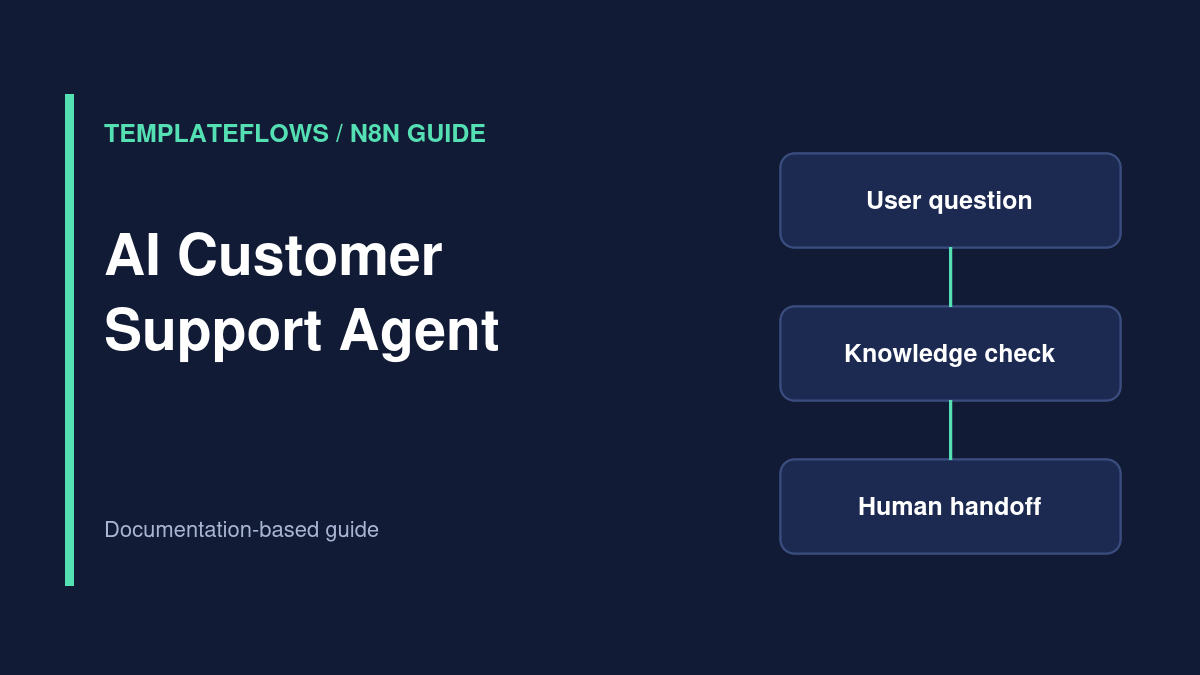
Chat or support trigger → identify intent → retrieve approved knowledge → draft response → policy/approval checks → answer or human handoff → log outcome. Use a separate path for account-specific requests that require verified user authentication.
Step 1: Limit the scope
Start with a short list of supported intents such as setup questions, documentation links, order-status guidance, and escalation requests. Define the conditions that require human handling: billing disputes, threats, security incidents, account changes, or low-confidence answers.
Step 2: Build a trusted knowledge source
Use maintained FAQ pages, product documentation, and support policies. If you implement RAG, attach source metadata and update the index when policies change. Avoid putting private customer records into a general-purpose shared knowledge base.
Step 3: Configure the AI agent
In n8n, connect the relevant AI Agent and chat-model components, then provide only the tools required for the task. Describe the boundaries in the system instructions and validate tool parameters. An instruction alone is not a security boundary; enforce access controls in APIs and workflow logic.
Step 4: Add a handoff decision
Route to a human when the user requests an agent, the model cannot ground an answer in approved sources, or the action exceeds its authority. Create a ticket with the conversation summary, relevant source links, and a clear escalation reason. Minimize personal data in the summary.
Step 5: Require approval for high-impact actions
If an agent can invoke a refund, delete, or account-update tool, use a human approval step and validate the user identity and business rules before execution. Log the approver, decision, and external transaction ID. Never let a model’s confidence score substitute for a required approval.
Step 6: Evaluate before rollout
Build a test set covering routine questions, ambiguous requests, hostile prompts, unsupported claims, and attempts to retrieve another customer’s information. Measure answer accuracy, escalation quality, time to resolution, and false-confidence incidents. Review transcripts under your retention and privacy policies.
Common problems
Agent invents a policy: restrict answers to retrieved documents and allow abstention. Handoff never fires: test each escalation rule. Private data leaks: enforce user-scoped API access. Tool repeats an action: add idempotency and approval controls.
References
Reviewed: October 2026. Verify features, permissions, pricing and node options against the current official documentation.