Log New Gmail Messages to Google Sheets
Curated n8n workflow that records new Gmail message IDs, snippets and timestamps in a Google Sheets email log.
Works with Gmail, Google Sheets
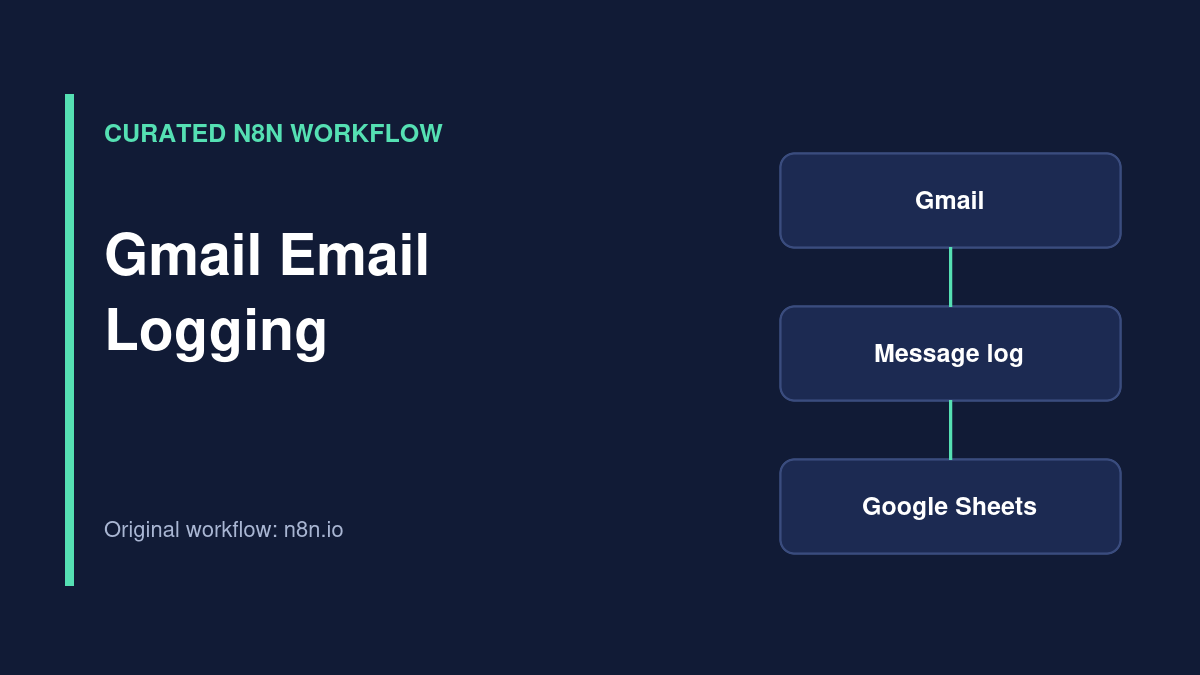
Workflow overview
Curated external workflow. This template is listed on the official n8n workflow directory and credited to its original creator. TemplateFlows has reviewed the source listing, but has not independently imported, executed or security-tested the JSON. Use the original source link for access; no JSON is redistributed here.
What the template does
This external n8n template fetches Gmail messages since a previous run and writes a lightweight record to Google Sheets. The original listing describes storing the Gmail message ID, snippet and timestamp so the sheet can support tracking and follow-up workflows.
Source review only: TemplateFlows has not connected a Gmail account or executed this template. Import the original workflow from n8n.io.
Requirements
Prerequisites
- n8n instance with Gmail and Google Sheets credentials.
- A dedicated spreadsheet with agreed column names.
- A mailbox and query scope approved for logging.
Required tools and services
- n8n
- Google Sheets
- Gmail
Setup steps
-
Review the original workflow
Check how the source workflow tracks messages since its last run and handles Gmail pagination.
-
Connect Gmail
Use OAuth for the mailbox you are authorized to process.
-
Map Google Sheets columns
Confirm message ID, snippet and timestamp match the sheet headers.
-
Run a controlled test
Send a sample email and verify that repeated runs do not add unintended duplicate rows.
Possible implementation problems
Gmail messages may contain sensitive personal data. Limit which mail is logged, keep the sheet access-controlled and test reprocessing behavior. Gmail API quota and OAuth access can also interrupt a workflow.
Source and attribution
- Creator
- Robert Breen
- Original source
- n8n.io
- License
- Check original author and n8n source terms before reuse or redistribution
Guides for this workflow
Automate Gmail to Google Sheets with n8n: A Practical Build Guide
Turn selected Gmail messages into structured Google Sheets rows with n8n, while preventing duplicates and protecting private email data.
Related workflows
AI Support Email Drafts with Human Approval in Google Sheets
Curated n8n support workflow that drafts replies to Gmail inquiries and waits for approval in Google Sheets before sending.
Capture and Deduplicate Webhook Leads in Google Sheets
Curated n8n workflow for receiving leads by webhook, checking required fields, detecting duplicates and appending accepted records to Google Sheets.