n8n
Visual workflow automation for business apps, APIs, webhooks and AI, available on n8n Cloud or self-hosted.
Overview
n8n is a workflow automation platform for connecting applications, APIs, data sources, and AI tools. It offers a visual workflow editor, trigger and action nodes, expressions, and code-based customization. Teams can use n8n Cloud or run supported self-hosted deployments.
What n8n is good for
n8n is well suited to event-driven automations, scheduled reporting, data synchronization, webhook-based integrations, and workflows that combine AI services with ordinary business processes. It can call external APIs through its HTTP Request node when a dedicated integration does not cover a required operation.
Cloud or self-hosted?
n8n Cloud is managed by n8n. Self-hosting offers greater infrastructure control but requires the operator to manage updates, networking, credentials, backups, and monitoring. The free self-hosted Community Edition is governed by the Sustainable Use License. Some commercial, embedded, or customer-facing uses require a commercial license; review the license guidance before launching a product or agency service.
Pricing and licensing
n8n offers a self-hosted Community Edition and paid Cloud or self-hosted plans. Execution allowances, features, and prices change. See the official pricing page for current terms and the license use-case FAQ for limitations. TemplateFlows does not currently use an n8n affiliate link on this profile.
Getting started
- Choose a hosting approach appropriate to your team.
- Create a simple workflow with a Manual Trigger and one safe action.
- Connect credentials through n8n’s credential manager rather than pasting secrets into a node description.
- Test success and failure paths before publishing or activating the workflow.
- Use execution logs and error workflows to monitor production automations.
Official references
Profile reviewed against official documentation on October 15, 2026. Verification here refers to product information and links; it does not imply TemplateFlows has tested every n8n integration.
Primary use cases
- Lead capture and CRM synchronization
- Data transformation and reporting
- Webhooks and API integrations
- AI assistants and retrieval workflows
- Operational alerts and notifications
Supported capabilities
- Visual workflow editor with triggers and actions
- API calls and data mapping
- JavaScript/Python code steps (availability varies)
- Error handling and execution inspection
- Cloud and self-hosted deployment options
Integrations
Google Sheets, Gmail, Slack, WooCommerce, Shopify, HubSpot, and many other services. Integration availability and operations depend on node and product versions.
Templates using n8n
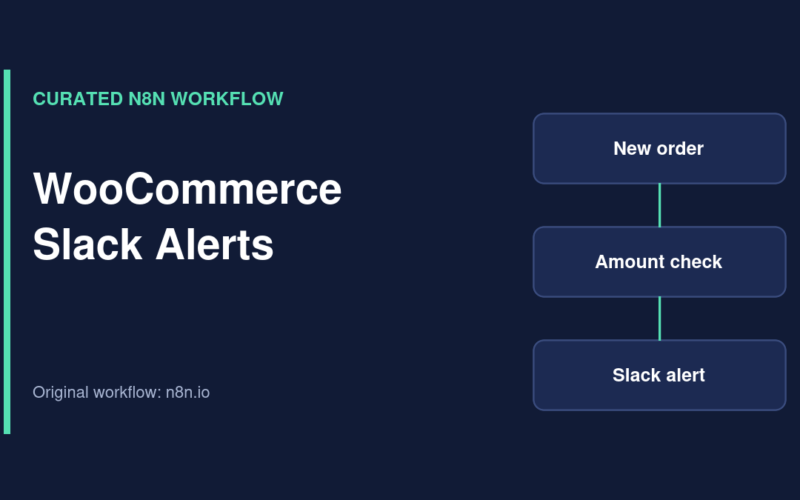
Send Slack Alerts for New WooCommerce Orders
Curated n8n workflow that sends Slack notifications for WooCommerce orders when an amount condition is met.
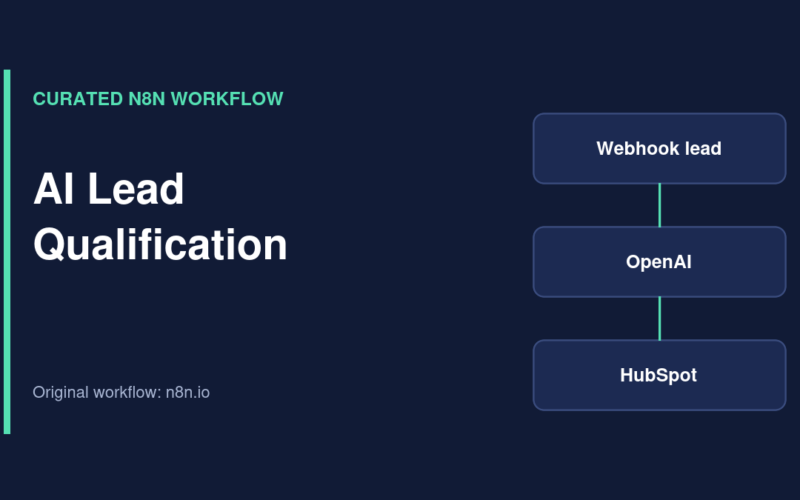
Qualify Website Leads with OpenAI, HubSpot and Gmail
Curated n8n workflow that uses OpenAI to assess inbound leads, create or reuse HubSpot records and notify a team through Gmail.
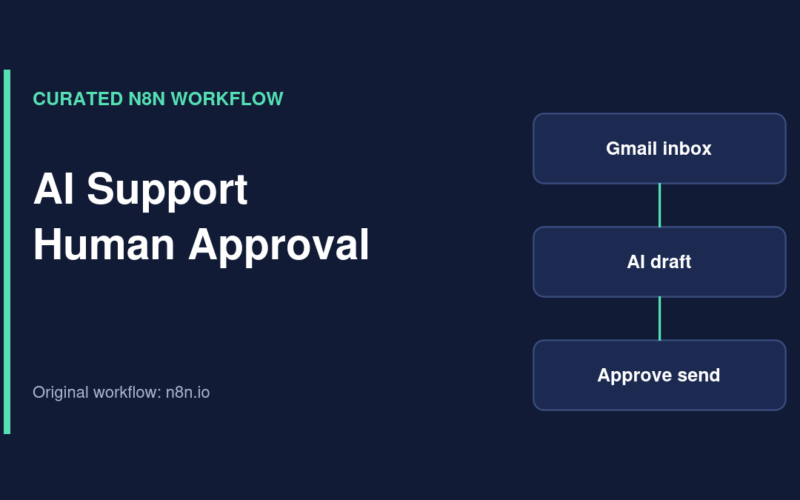
AI Support Email Drafts with Human Approval in Google Sheets
Curated n8n support workflow that drafts replies to Gmail inquiries and waits for approval in Google Sheets before sending.
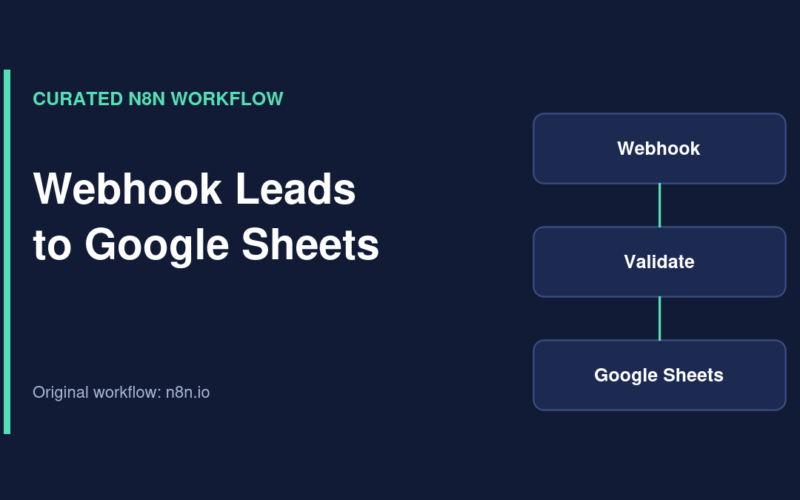
Capture and Deduplicate Webhook Leads in Google Sheets
Curated n8n workflow for receiving leads by webhook, checking required fields, detecting duplicates and appending accepted records to Google Sheets.
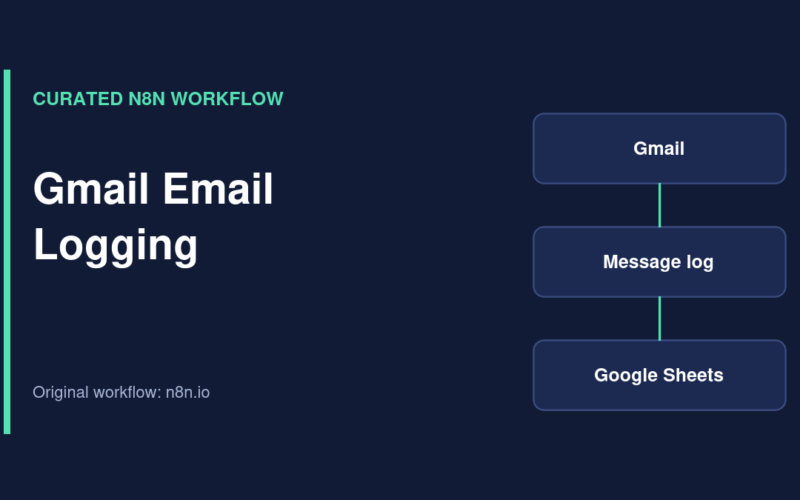
Log New Gmail Messages to Google Sheets
Curated n8n workflow that records new Gmail message IDs, snippets and timestamps in a Google Sheets email log.