Qualify Website Leads with OpenAI, HubSpot and Gmail
Curated n8n workflow that uses OpenAI to assess inbound leads, create or reuse HubSpot records and notify a team through Gmail.
Works with Gmail, HubSpot, OpenAI, Webhook
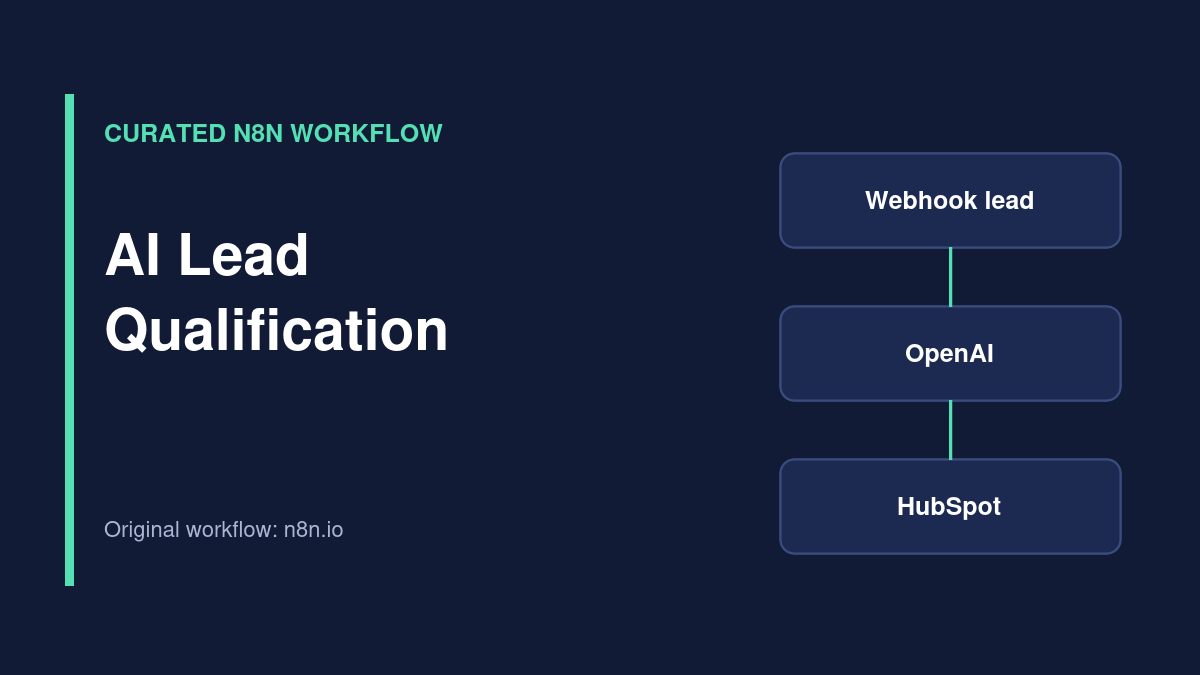
Workflow overview
Curated external workflow. This template is listed on the official n8n workflow directory and credited to its original creator. TemplateFlows has reviewed the source listing, but has not independently imported, executed or security-tested the JSON. Use the original source link for access; no JSON is redistributed here.
What the template does
This externally authored n8n workflow accepts lead submissions, asks OpenAI for structured qualification details, checks HubSpot for an existing contact, and supports lead or deal handling and internal Gmail notifications. The source listing describes fields such as lead score, urgency and recommended follow-up.
Source review only: TemplateFlows has not independently assessed the AI model’s accuracy or tested CRM writes. Use the original n8n.io workflow and review every automated decision before production use.
Requirements
Prerequisites
- n8n instance with an authorized webhook.
- OpenAI API access and an understood usage budget.
- HubSpot account with suitable contact/deal permissions.
- Gmail credential for internal notifications.
- A documented ideal-customer profile and review policy.
Required tools and services
- n8n
- Gmail
Setup steps
-
Inspect AI scoring prompts
Check which lead fields are shared with the model and whether the scoring criteria fit your business.
-
Connect external services
Set up OpenAI, HubSpot and Gmail credentials with least-privilege access.
-
Map HubSpot fields
Verify existing-contact lookup and avoid overwriting manual CRM decisions.
-
Test qualification and errors
Evaluate representative test leads, duplicates, invalid data and API failures; require human review for consequential actions.
Possible implementation problems
AI scoring can be inconsistent or biased. Treat scores as suggestions, not facts. Avoid sending sensitive data to a model without a valid basis and authorization. API usage may incur charges. Check CRM deduplication and idempotency.
Source and attribution
- Creator
- Mohamad Sasa
- Original source
- n8n.io
- License
- Check original author and n8n source terms before reuse or redistribution
Guides for this workflow
n8n Lead Qualification and CRM Routing: Build an Auditable Sales Workflow
Route qualified leads to the right CRM owner using n8n validation, explicit decision rules, deduplication, and optional AI classification.
Related workflows
AI Support Email Drafts with Human Approval in Google Sheets
Curated n8n support workflow that drafts replies to Gmail inquiries and waits for approval in Google Sheets before sending.
Capture and Deduplicate Webhook Leads in Google Sheets
Curated n8n workflow for receiving leads by webhook, checking required fields, detecting duplicates and appending accepted records to Google Sheets.