Capture and Deduplicate Webhook Leads in Google Sheets
Curated n8n workflow for receiving leads by webhook, checking required fields, detecting duplicates and appending accepted records to Google Sheets.
Works with Google Sheets, Webhook
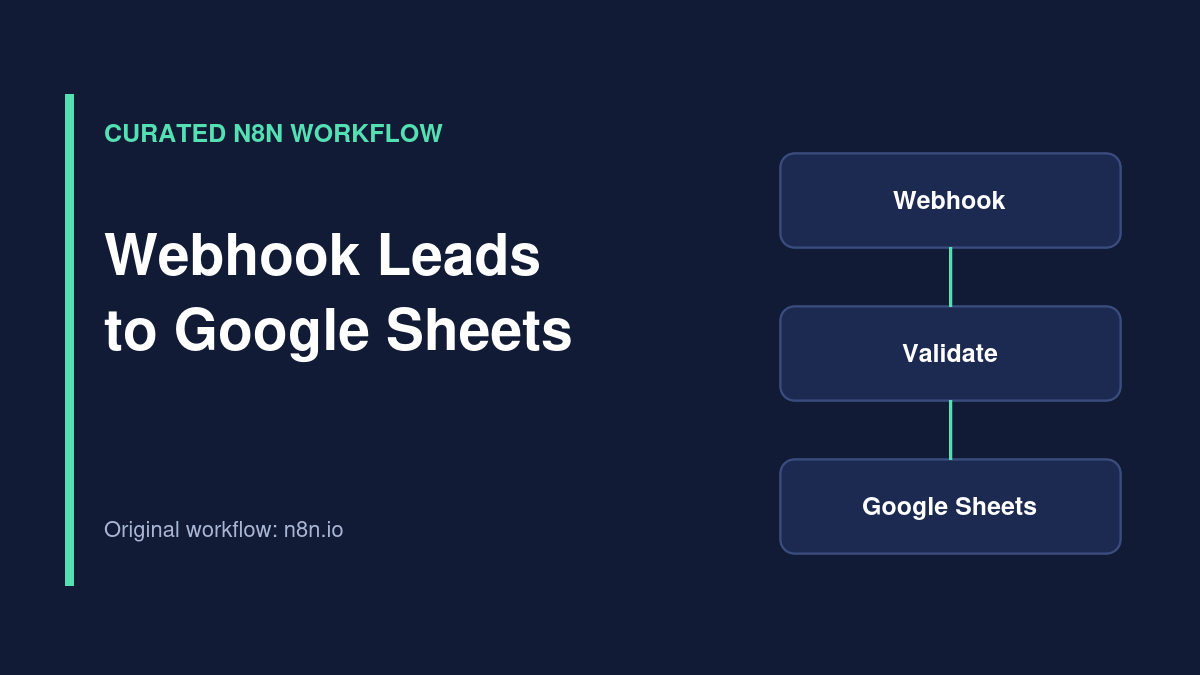
Workflow overview
Curated external workflow. This template is listed on the official n8n workflow directory and credited to its original creator. TemplateFlows has reviewed the source listing, but has not independently imported, executed or security-tested the JSON. Use the original source link for access; no JSON is redistributed here.
What the template does
This externally authored n8n workflow accepts inbound form submissions through a webhook, validates the lead details, normalizes fields, checks for duplicates in Google Sheets and appends accepted records. The original listing describes different HTTP responses for invalid, duplicate and new submissions.
Source review only: TemplateFlows has not imported or executed this workflow. The original JSON remains on n8n.io.
Requirements
Prerequisites
- n8n account or self-hosted instance with a reachable webhook.
- Google Sheets credential with edit access to the destination sheet.
- Form or application able to POST the expected JSON payload.
- Sample leads without real customer data for initial tests.
Required tools and services
- n8n
- Google Sheets
Setup steps
-
Review the original workflow
Open the linked n8n.io template and inspect its nodes and required fields before importing.
-
Connect Google Sheets
Authorize your account and select a spreadsheet with columns matching the workflow.
-
Configure the form webhook
Use the test webhook URL for initial calls; switch the sender to the production URL when the workflow is active.
-
Test edge cases
Check missing fields, duplicate emails, provider errors and repeated requests before using production data.
Possible implementation problems
Google Sheets lookups do not provide a transactional uniqueness guarantee for concurrent submissions. Consider a database unique key for higher-volume lead capture. Check webhook authentication and never expose customer data in public logs.
Source and attribution
- Creator
- Syed Jawad
- Original source
- n8n.io
- License
- Check original author and n8n source terms before reuse or redistribution
Guides for this workflow
n8n Webhook to Google Sheets: Build a Lead Capture Workflow
Build a webhook-based lead intake workflow in n8n, validate incoming fields, append clean records to Google Sheets, and handle duplicate…
Related workflows
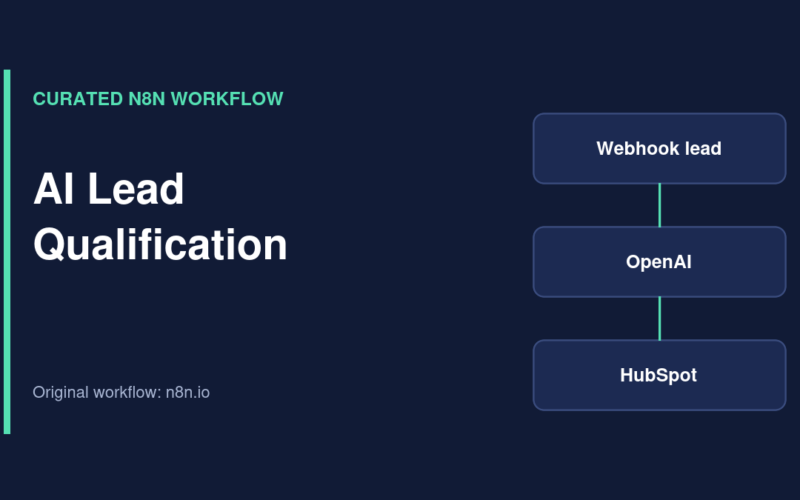
Qualify Website Leads with OpenAI, HubSpot and Gmail
Curated n8n workflow that uses OpenAI to assess inbound leads, create or reuse HubSpot records and notify a team through Gmail.
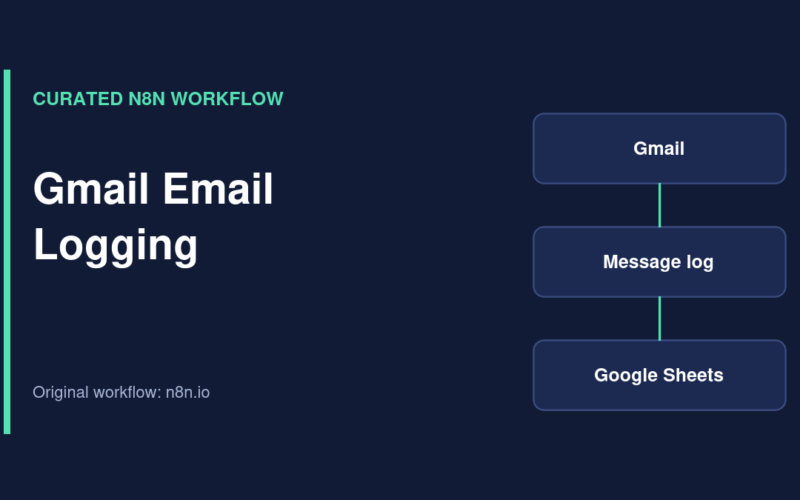
Log New Gmail Messages to Google Sheets
Curated n8n workflow that records new Gmail message IDs, snippets and timestamps in a Google Sheets email log.