Editorial status: Documentation-based implementation guide. No independently tested workflow or downloadable JSON is claimed.
Lead scoring can help sales teams focus on relevant inquiries, but scores are only useful when the rules are understandable and the underlying data is accurate. This guide describes a deterministic scoring workflow in n8n, with an optional AI classification step that should be evaluated separately.
Workflow blueprint
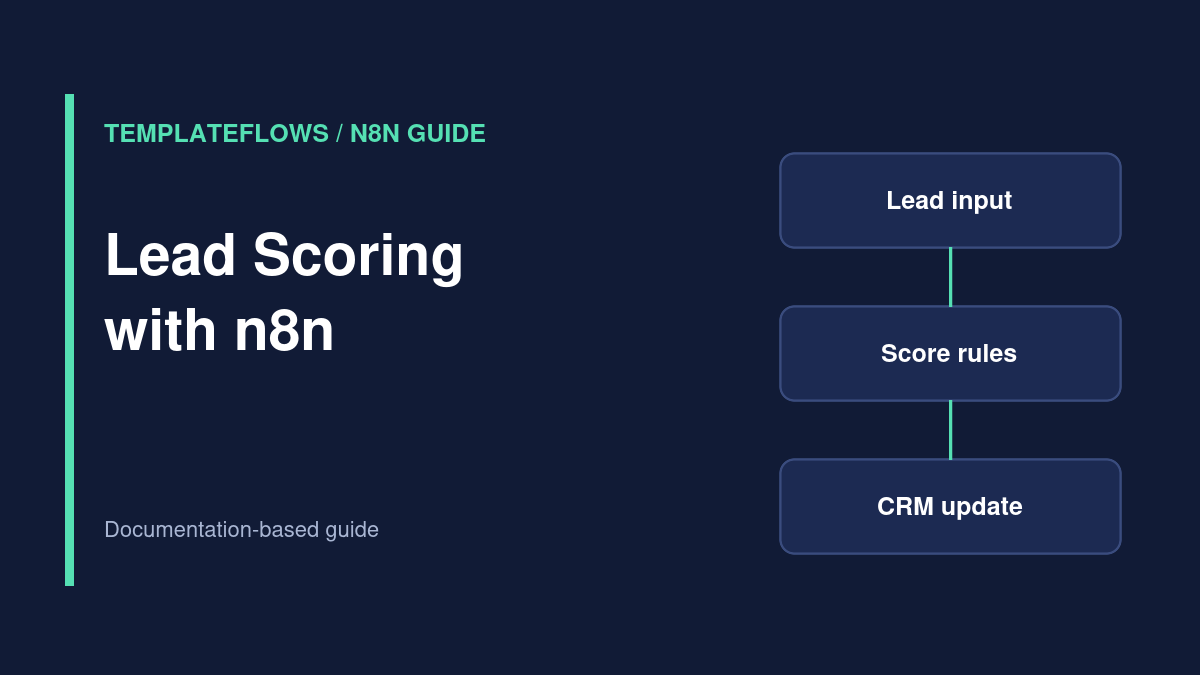
New lead trigger → normalize → enrichment where authorized → score → segment → CRM update → notify owner. The lead might arrive through a website webhook, form integration, or CRM trigger. Keep the initial implementation small enough to audit.
Step 1: Define your ideal customer profile
Choose a handful of relevant, consent-appropriate criteria such as company size, requested service, region served, or declared budget range. Do not use sensitive personal attributes or opaque proxies for them. Agree on a scoring policy with the sales team before automating it.
Step 2: Build a transparent rule table
For illustration, a company in your service region might receive 20 points, a relevant project type 30, and a confirmed business email 10. Those numbers are examples only. Document each rule, its source field, and its rationale. Store the scoring model version alongside the result so historical scores can be interpreted.
Step 3: Normalize and validate
Use Edit Fields to standardize field names. Handle missing values explicitly: a blank budget should not silently become zero budget, and an unverified domain should not be treated as a verified company. Use If or Switch nodes for deterministic rules, or a Code node for more complex calculations.
Step 4: Upsert into your CRM
Search for an existing lead by a supported unique identifier and update the record, or use the CRM’s upsert feature when available. Write score, segment, score version, evaluation timestamp, and the fields used. Avoid overwriting salesperson notes or manual qualification decisions without an agreed policy.
Step 5: Add optional AI classification carefully
An AI model may help classify free-text requirements, but its output should be treated as a prediction, not a fact. Require structured output, evaluate on representative labeled examples, and send uncertain or high-impact cases to a human. Log the model and prompt version without exposing private lead data.
Step 6: Route and measure
Route high-priority leads to an owner, medium-priority leads to a standard follow-up queue, and low-confidence cases to review. Track whether the scoring policy improves response times and qualified-opportunity rates rather than assuming a high score predicts revenue.
QA checklist
- Missing and malformed fields do not crash the workflow.
- The same lead does not create multiple CRM records.
- Manual CRM overrides are respected.
- Scores are reproducible from stored inputs and model version.
- AI-assisted labels are reviewed before important decisions.
References
Documentation reviewed: October 2026. Verify integration options and permissions for your own software versions.