Editorial status: Documentation-based implementation guide. No independently tested workflow or downloadable JSON is claimed.
Lead qualification answers a different question from lead scoring: does this inquiry meet the conditions for a particular next step? A lead can have a moderate numerical score but still need urgent human attention, while a high-scoring inquiry might be outside your service area. This guide focuses on routing decisions rather than assigning an arbitrary score.
Recommended workflow
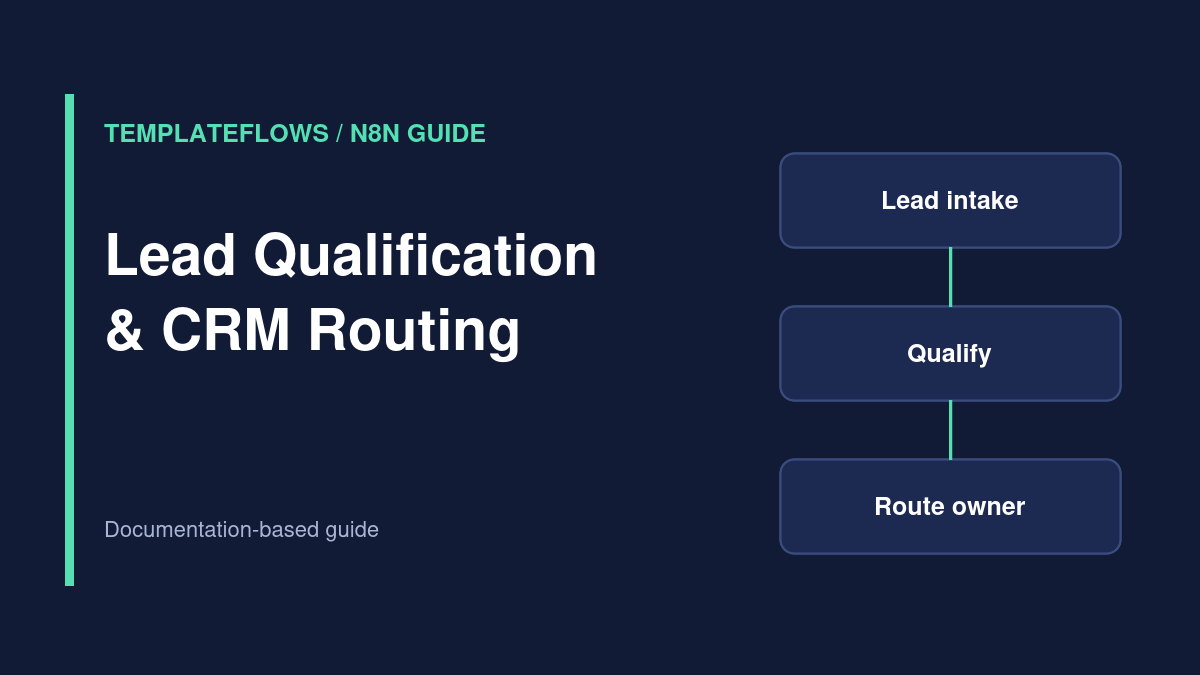
Form or CRM trigger → normalize → validate → qualification rules → existing-record lookup → CRM owner assignment → follow-up task → audit log. Keep a separate path for uncertain or incomplete cases so that automation does not silently discard opportunities.
Step 1: Define qualification outcomes
Use explicit categories such as sales_ready, needs_information, out_of_scope, and manual_review. Document what each means. Qualification should be based on business-relevant information voluntarily provided by the lead, not sensitive personal characteristics.
Step 2: Normalize and validate
Extract contact ID, service requested, organization, region, and consent status. Check for missing mandatory fields. Normalize the service category against a controlled list so small wording differences do not send leads down the wrong branch.
Step 3: Apply decision rules
Use If or Switch nodes for a small number of conditions. For example, a supported service in an active sales region may route to an assigned account owner, while an ambiguous request goes to manual review. Set a default branch for unexpected values; do not rely on every input matching a predefined case.
Step 4: Avoid duplicate contacts and tasks
Use the CRM’s unique identifiers and upsert support where available. Store the source submission ID and last routing decision. When an existing record has a manually assigned owner, preserve that assignment unless your policy explicitly authorizes reassignment.
Step 5: Optional AI text classification
If leads describe needs in free text, an AI classifier can suggest a service category. Validate the model against representative examples, require a restricted output schema, and send uncertain cases for human review. Never let a language model independently make irreversible CRM or communication decisions without appropriate controls.
Step 6: Create the follow-up action
Only after a successful CRM update should the workflow create a task or notification. Include the record link, qualification category, reason code, and next-action deadline. Avoid copying sensitive raw form content into a team-wide message.
Test cases
- Supported request routes to the correct team.
- Unsupported request follows the documented path.
- Missing details create a review task instead of a false rejection.
- Repeated submissions do not create duplicate tasks.
- Manual owner assignments are respected.
References
Reviewed: October 2026. Verify features, permissions, pricing and node options against the current official documentation.