Editorial status: Documentation-based implementation guide. No independently tested workflow or downloadable JSON is claimed.
Shopify can generate multiple events during an order’s lifecycle. A useful alerting workflow should distinguish an order being created from an order being paid, fulfilled, cancelled, or refunded. The objective is to deliver the right operational signal without leaking customer details into a broad channel.
Suggested n8n workflow
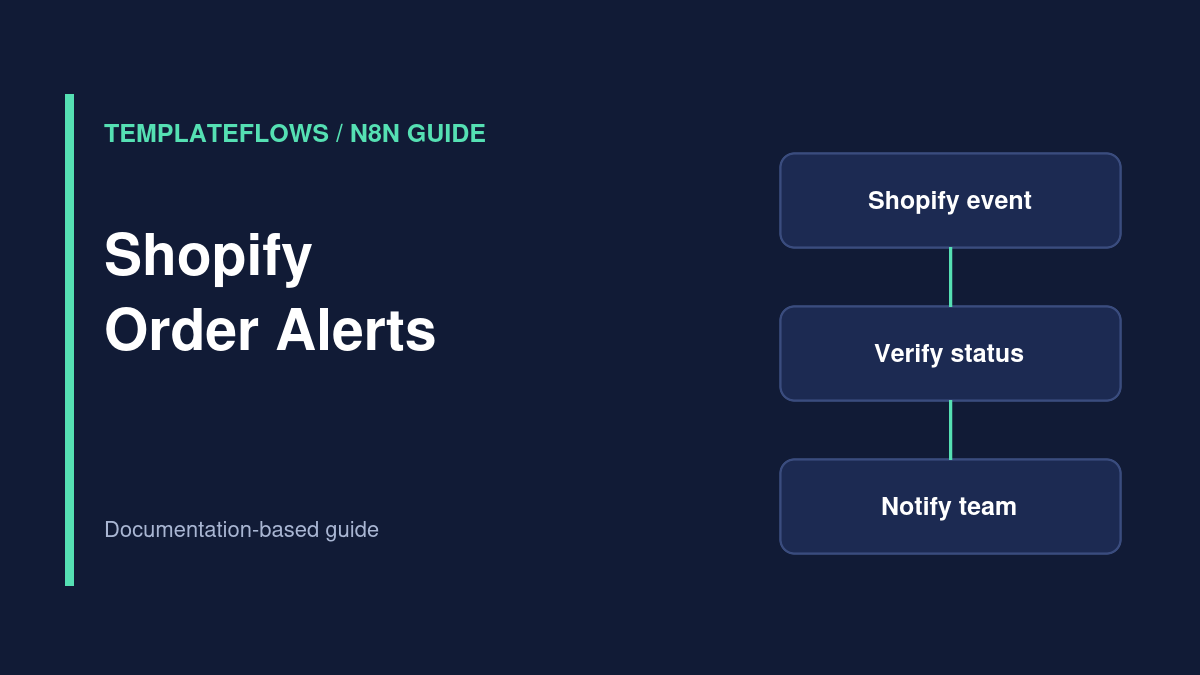
Shopify Trigger or authenticated webhook → inspect order event → retrieve current order state if necessary → filter → deduplicate → send team alert → log result. This is an implementation blueprint, not an independently tested JSON download.
Prerequisites
- A Shopify store with appropriate app permissions or webhook access.
- An n8n instance with a publicly reachable HTTPS endpoint if receiving webhooks directly.
- A destination such as Slack, Microsoft Teams, or email.
- A clear rule for which order transitions deserve an alert.
Step 1: Choose the business event
Start with one event type: for example, an order becoming ready for fulfillment. Shopify webhooks and the Shopify Trigger node expose different event options depending on the API and node version. Check the event catalog and permissions before configuring the workflow.
Step 2: Authenticate incoming data
When receiving Shopify webhooks through a generic n8n Webhook node, validate the provider’s signature or HMAC according to Shopify’s official guidance. Do not assume that knowing a webhook URL makes a request trustworthy. If you use a managed trigger node, review how the connection authenticates and registers events.
Step 3: Normalize the order fields
Use Edit Fields to keep a stable object with order ID, order number, financial status, fulfillment status, event time, and an admin link. Verify the exact properties in a real test payload from your store. Do not use untrusted display text to make payment decisions.
Step 4: Filter and deduplicate
Use an If or Switch node to select the statuses that require action. Store a key based on a stable order identifier and the relevant status transition. Since webhook delivery can be retried, duplicate protection should not depend only on whether the last run happened recently.
Step 5: Deliver the alert
Keep the message short: order number, action required, status, and an authorized admin link. Avoid full customer addresses, email addresses, and payment details in a shared chat. For high-value exceptions, route to a private channel or a ticketing queue.
Step 6: Monitor failures
Check the destination API response and configure an error workflow or fallback queue. A daily reconciliation against Shopify’s current order state can help detect missed notifications without treating the alert system as the source of truth.
Validation checklist
- Test event is accepted only from an authorized source.
- Correct status transition sends exactly one alert.
- Unrelated status updates are ignored.
- Repeated delivery does not duplicate an action.
- Notification failure is visible in execution logs.
References
Reviewed: October 2026. Verify features, permissions, pricing and node options against the current official documentation.
Related TemplateFlows guides
- WooCommerce Order Notifications with n8n: Reliable Alerts Without Noise
- n8n Error Workflow Setup: Alerts, Retries and Execution Logs
Further reading: n8n Telegram Bot Tutorial for a complementary n8n setup walkthrough.