Editorial status: Documentation-based implementation guide. No independently tested workflow or downloadable JSON is claimed.
Invoice reminders are valuable only when they are accurate. Sending a payment reminder after an invoice has already been settled damages trust, while sending the same message twice makes an automation look unreliable. The safe approach is to check live invoice status immediately before sending and record every reminder attempt.
Recommended workflow design
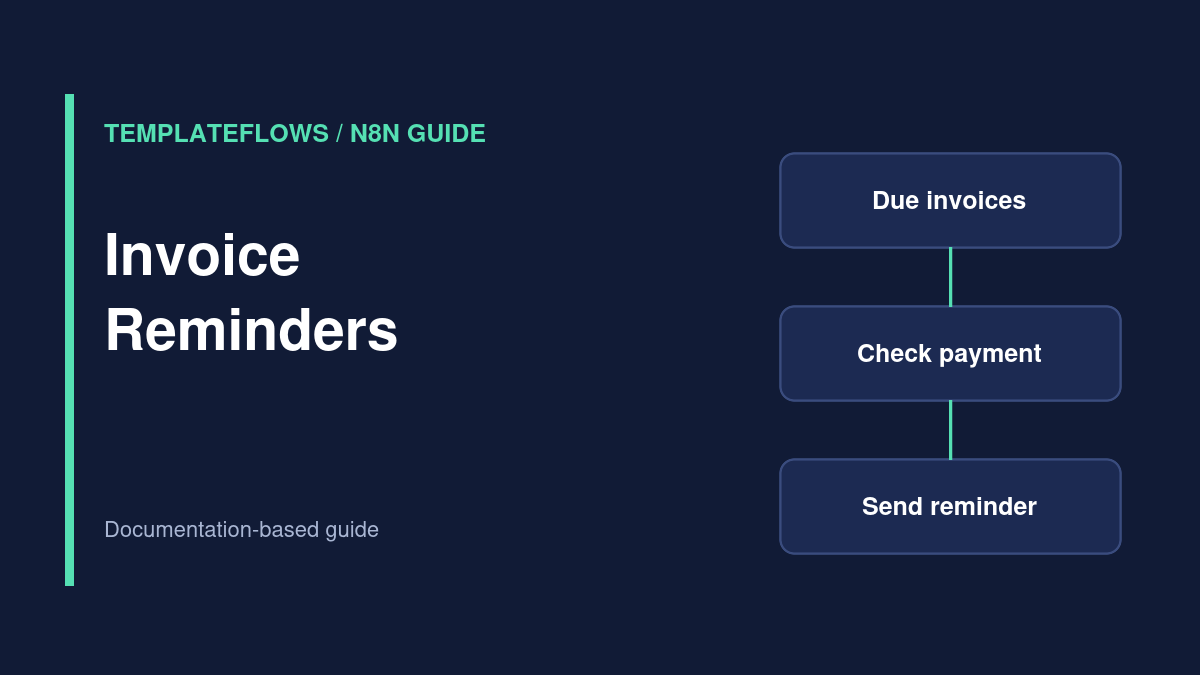
Schedule Trigger → retrieve open invoices → calculate reminder eligibility → check latest payment state → check reminder log → send email → record outcome. Your accounting platform’s API, payment terms, and customer communication rules determine the exact nodes and fields.
Step 1: Define a reminder policy
Choose explicit stages such as three days before due, one day after due, and seven days after due. These are examples, not a universal collections policy. Exclude disputed invoices, accounts with payment plans, and customers who have opted for a different contact method.
Step 2: Retrieve invoices
Use the native accounting integration when it supports the necessary operations, or use an HTTP Request node with the provider’s API. Retrieve the invoice ID, customer ID, amount, currency, due date, status, and billing contact. Use pagination if the API returns multiple pages; do not silently process only the first page.
Step 3: Determine eligibility
Calculate due dates using the customer’s billing timezone or your agreed business timezone. Check that the invoice remains unpaid and that the reminder stage is appropriate. Avoid floating-point assumptions for currency arithmetic; use the accounting provider’s exact amounts and currency fields.
Step 4: Make sending idempotent
Create a reminder key such as invoice_id + reminder_stage in a durable log. Before sending, check whether that stage was already completed. If your system supports atomic unique constraints, use them; a spreadsheet-only lookup may fail under concurrent runs. Consider recording a pending state and resolving it carefully after ambiguous email API timeouts.
Step 5: Recheck payment and send
Immediately before the send action, query the latest invoice status again. Compose a clear message with the invoice number, amount, due date, and an official payment link supplied by the billing platform. Never invent a payment URL or put banking credentials in the message.
Step 6: Record outcomes and escalate
Log timestamp, reminder stage, provider message ID, and result. Route delivery failures for manual review. For later-stage collections, consider human approval rather than automatic escalation, particularly for high-value or disputed accounts.
Testing scenarios
- Unpaid eligible invoice sends once.
- Paid invoice sends nothing.
- Repeated scheduled run does not duplicate a stage.
- Invoice in a different timezone is evaluated correctly.
- Email provider timeout does not blindly trigger multiple sends.
Privacy and compliance
Protect billing details, honor applicable email and privacy rules, and retain only the information required for reconciliation. Test against sandbox invoices or synthetic records before using customer data.
References
Documentation reviewed: October 2026. Verify integration options and permissions for your own software versions.