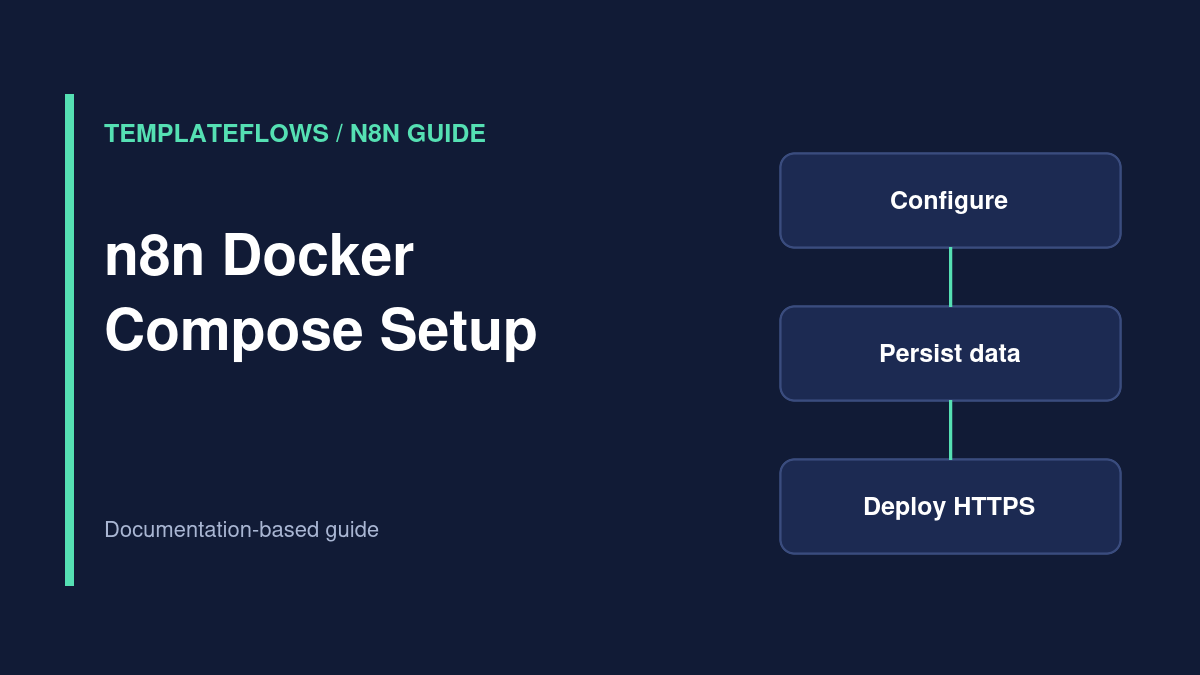
Editorial basis: This guide summarizes the official n8n Docker Compose deployment documentation. TemplateFlows has not deployed this stack or tested it against a live server.
Docker Compose can run a self-hosted n8n instance with repeatable service configuration and persistent storage. It is a good fit for teams that already understand Linux, DNS, containers, HTTPS and backups. It is not a zero-maintenance alternative to n8n Cloud: you are responsible for updates, security, storage, credentials and recovery.
When should you self-host?
Self-host when you need infrastructure control and have the operational capacity to maintain it. The official n8n deployment guide explicitly warns that incorrect self-hosting can cause downtime, security problems or data loss and recommends n8n Cloud for people without server-administration experience.
Architecture to plan before installation
A typical internet-facing deployment includes DNS → HTTPS reverse proxy → n8n container → persistent data storage. You may use a supported database and additional services as your workload grows. The public URL matters because OAuth redirects, form links and webhook callbacks must point to the correct host.
Prerequisites
- A Linux server you administer and a domain or subdomain that you control.
- Docker Engine and the Docker Compose plugin installed according to Docker’s current documentation.
- DNS access, HTTPS certificate management and firewall configuration.
- A tested backup destination separate from the running server.
- A plan for encryption-key custody, updates, monitoring and recovery.
Step 1: Verify Docker and Compose
Connect to your server using a restricted administrator account and verify that Docker and the Compose plugin are installed:
docker --version
docker compose version
These commands only report versions. If they fail, install the components using the official Docker instructions for your Linux distribution. Avoid copying arbitrary installation scripts from unknown sources.
Step 2: Prepare DNS and HTTPS
Create a dedicated subdomain such as automation.example.com and point its DNS record to your server. Configure an HTTPS reverse proxy using the official n8n deployment example or your established infrastructure tooling. Never expose an unprotected n8n editor directly to the public internet.
If the instance sits behind a reverse proxy, review n8n’s webhook URL configuration guidance so callbacks use the public HTTPS address instead of an internal container hostname.
Step 3: Create your environment configuration
Follow n8n’s current Docker Compose guide to create the project directory, .env file and Compose configuration. Set your actual domain, timezone and relevant deployment variables. Protect the .env file and do not commit secrets to a public Git repository.
Preserve the instance’s encryption-key material and data storage across redeployments. Losing the encryption key or persistent data can make saved credentials or workflows unrecoverable. Review the official documentation for the exact variables and volume paths supported by your n8n version.
Step 4: Configure persistent storage
Use the persistent volume and directory mapping in n8n’s official Compose example. Do not rely on a disposable container filesystem for important workflow data. Document where backups are written and test that they can be restored on a separate instance without exposing credentials.
For production workloads, assess whether the default database choice meets your reliability needs. Database migrations, scaling and queue mode require separate planning; do not add Redis or workers simply because an example mentions them.
Step 5: Validate and start the Compose stack
From the directory containing your Compose file, inspect the resolved configuration and start services:
docker compose config
docker compose up -d
docker compose ps
Important: docker compose config may print resolved environment values, including secrets, so run it in a private terminal and do not paste its output into a public ticket. Service names in the Compose file determine which logs and commands apply.
Step 6: Verify the instance and webhooks
Open your HTTPS n8n URL and complete the supported initial setup. Confirm the certificate, login protection and correct public address. Create a harmless test workflow and verify that a production webhook or form URL resolves to the expected domain. Review logs and monitoring without exposing request payloads or credentials.
Step 7: Plan updates and backups
Before upgrading, read n8n’s release notes and migration guidance. Back up the database or persistent data, credentials-related encryption material and configuration. Use a controlled maintenance window, update images to an intentional version and confirm that workflows, credentials and webhooks still work afterward.
A backup is useful only if you can restore it. Test restoration periodically in a protected environment, not against the only production instance.
Common deployment problems
- Editor loads but webhooks fail: check DNS, reverse-proxy forwarding, HTTPS and the public webhook URL configuration.
- Credentials disappear after a rebuild: investigate missing persistent volumes or encryption-key changes.
- Containers restart repeatedly: inspect service logs, resource limits and database connectivity.
- OAuth redirect mismatch: verify the externally visible URL and provider-registered redirect URI.
- Permission denied on mounted folders: review file ownership and container-user permissions rather than granting blanket write access.
Related TemplateFlows guide
n8n Cloud vs Self-Hosted: Cost and Operations helps you decide whether managing the infrastructure is worthwhile.
Official references
Documentation reviewed: October 2026. Use the current official Compose example for your specific n8n release.