Editorial basis: This is a documentation-based n8n build guide. TemplateFlows has not connected a Telegram bot or executed the described workflow.
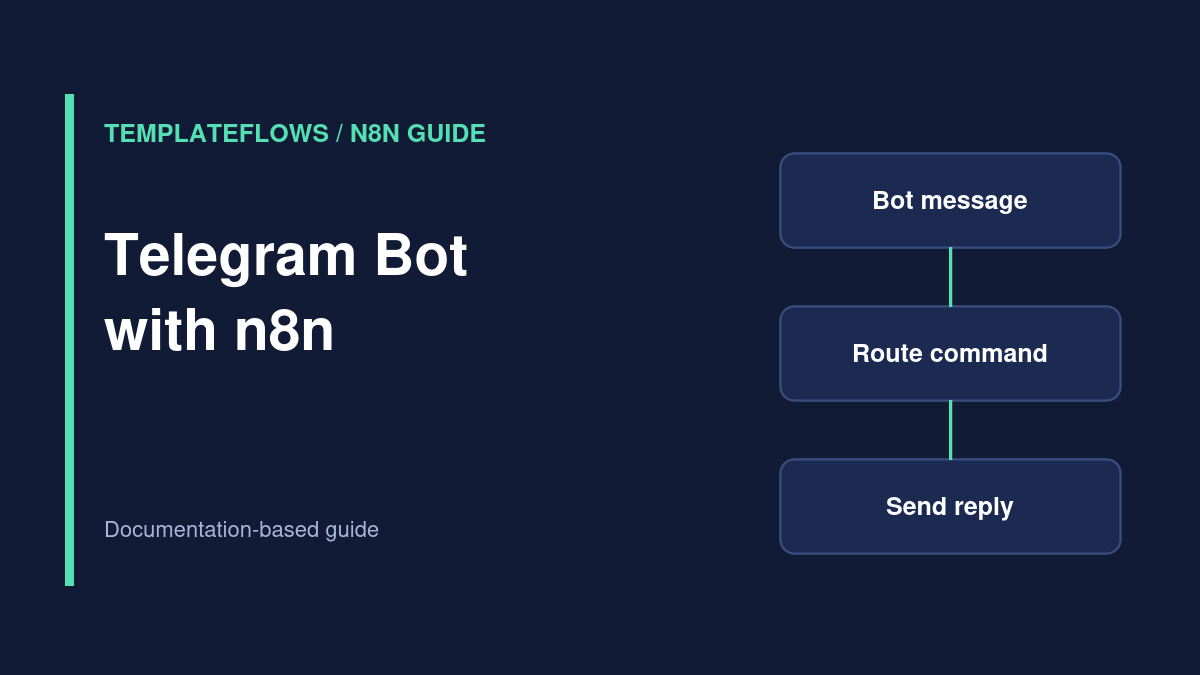
With n8n and Telegram, you can create a simple bot that receives a message, checks its content and sends a reply. The usual structure is Telegram Trigger → If or Switch → Telegram. Once the basic flow works, you can add CRM lookups, support ticket creation or AI-assisted drafting, provided you control the data and permissions.
What you will build
This tutorial outlines a command-style bot: a user sends /help, n8n identifies the command and replies with a short list of supported options. Unrecognized messages receive a neutral fallback reply. A rules-based first version is easier to debug and safer than starting with an unconstrained AI agent.
Prerequisites
- An n8n workspace with permission to create workflows and credentials.
- A Telegram account and a bot created through Telegram’s official BotFather.
- The bot token stored as an n8n Telegram credential.
- A private test chat with the bot and a reachable n8n webhook endpoint for trigger events.
Step 1: Create the bot with BotFather
In Telegram, use the verified BotFather account to create a bot and obtain its access token. Follow Telegram’s bot naming instructions. Treat the token like a password: never publish it in a blog post, workflow JSON, screenshot, shared chat or code repository. If a token is exposed, rotate it through BotFather and update the n8n credential.
Step 2: Configure the Telegram credential
In n8n, create a Telegram credential using the token. Select that credential in a Telegram Trigger node. Choose the incoming update or event type appropriate for your bot. Node choices and trigger behavior depend on the version and Telegram event configuration, so inspect the current official Telegram Trigger documentation.
Step 3: Receive a test message
Open a private chat with your bot, start the conversation and send /help. Run the trigger’s test procedure and inspect the output. Locate the actual message text and chat ID in the event payload. Do not assume a hardcoded field path without inspecting a real test event.
The chat ID identifies the conversation to which your bot should reply. Use the value from the authorized incoming event rather than copying a random public chat identifier.
Step 4: Route commands safely
Connect an If or Switch node. Check the incoming text against a small allowlist such as /help, /status or /contact. For example, /help can return a static list of available commands, while /status can read a non-sensitive service status from a permitted endpoint.
Do not use arbitrary chat text directly as a database query, shell command, URL or privileged instruction. If you later add an AI step, keep account changes and customer-data disclosure behind explicit authorization and review.
Step 5: Send a Telegram message
Add the Telegram action node, choose its send-message operation and select the same bot credential. Map the chat ID from the incoming trigger output and enter the response text. Test that the reply goes to the correct conversation. When sending to groups, review Telegram bot privacy settings and the permissions the bot actually needs.
Step 6: Publish and monitor
Save and publish the workflow. Send a new message through the production bot chat and inspect the execution history. Telegram integrations use webhook delivery for relevant trigger events; if you run n8n behind a reverse proxy, make sure the public webhook URL and HTTPS configuration are correct.
Common problems
- Bot receives no events: confirm the bot token, event type, workflow publication state and reachable webhook URL.
- Test works but production stops: review webhook registration and whether another workflow or environment is using the same bot webhook.
- Bot cannot reply: inspect the chat ID, bot permissions and send-message node error.
- Messages in groups are missing: review Telegram’s bot privacy mode and the group’s bot permissions before changing settings.
- Repeated messages: use event IDs or another stable key to detect duplicates before performing side effects.
Security and privacy checklist
- Keep the bot token in credentials and rotate it if leaked.
- Do not echo private user data into group chats.
- Use allowlisted commands and validate external input.
- Set execution-data retention according to your privacy obligations.
- Test a blocked command, a malformed update and an unavailable Telegram API response.
Related TemplateFlows guides
- HTTP Request Node Tutorial for calling external APIs.
- n8n Error Workflows for monitored failures.
Official references
Documentation reviewed: October 2026. Confirm bot webhook and node behavior in your n8n version.